January 28, 2022
What Is a Twitter Feed Aggregator and Why Do Brands Use Them?
X minute de lecture


Une infrastructure sociale qui évolue avec vous.
Commencez votre essai gratuit ou laissez-nous vous montrer la plateforme en action.
X, formerly known as Twitter, now has over 557 million monthly active users worldwide, and despite years of speculation regarding its decline, it remains one of the most active platforms for real-time brand conversations, breaking news, and event engagement. Users are posting more than ever, with average weekly posts jumping from 15.97 in 2024 to 17.34 in 2025.
For brands, this represents a constant stream of relevant content, customer mentions, branded hashtags, event conversations, and community discussions that most websites never surface. A Twitter feed aggregator changes that.
In this guide, we cover what a Twitter feed aggregator is, the main reasons brands use them, what to look for when choosing one, and a breakdown of the best tools available right now.
What Is a Twitter Feed Aggregator?
A Twitter feed aggregator, now more accurately called an X feed aggregator, is a tool that collects posts from X using account handles, hashtags, and keywords, and displays them as a live-updating feed on your website, digital screen, or app.
Most aggregators let you pull from multiple sources at once, moderate content before it goes live, and customize the display to match your brand. The feed updates automatically as new posts come in, so there's no manual work involved after the initial setup.
The result is a live window into your brand's X activity, your community's conversations, or your event's hashtag, embedded directly into your digital properties.
What Are the Benefits of a Twitter Feed Aggregator?
Keep Your Website Fresh with Live Content
One of the most straightforward benefits is that an aggregated X feed keeps your website content up to date without additional effort. Every new post that matches your source settings automatically appears on your site, so product pages, event pages, and homepages stay relevant without manual updates.
Enrich Topic Pages with Relevant X Feeds
With a Twitter feed aggregator, you can pull posts using specific hashtags, keywords, or account handles and show them on the most relevant pages of your site. This is particularly useful for organizations with multiple product lines or markets; a post that mentions both #automation and #automotive can appear on two separate landing pages without duplicating effort. Static pages stay relevant without additional manual work, and visitors get context-specific social content that actually belongs there. For more on how social media feeds add value across website pages, see our full guide.
Get More Reach for Your X Content
Embedding your X feed on your website puts your posts in front of people who may not follow you on X or even use the platform. That additional visibility naturally drives more engagement, likes, replies, and reposts, which tells X's algorithm that the content is worth promoting further.
Over time, increasing organic engagement on posts through website exposure helps attract higher-quality followers and extend your content's reach beyond what X alone can deliver.
Run Hashtag Campaigns and UGC Feeds
A Twitter social media aggregator is one of the most effective tools for running hashtag campaigns. When you encourage followers to use a branded hashtag, you can collect all of that user-generated content in one place and display it on your website or event screens.
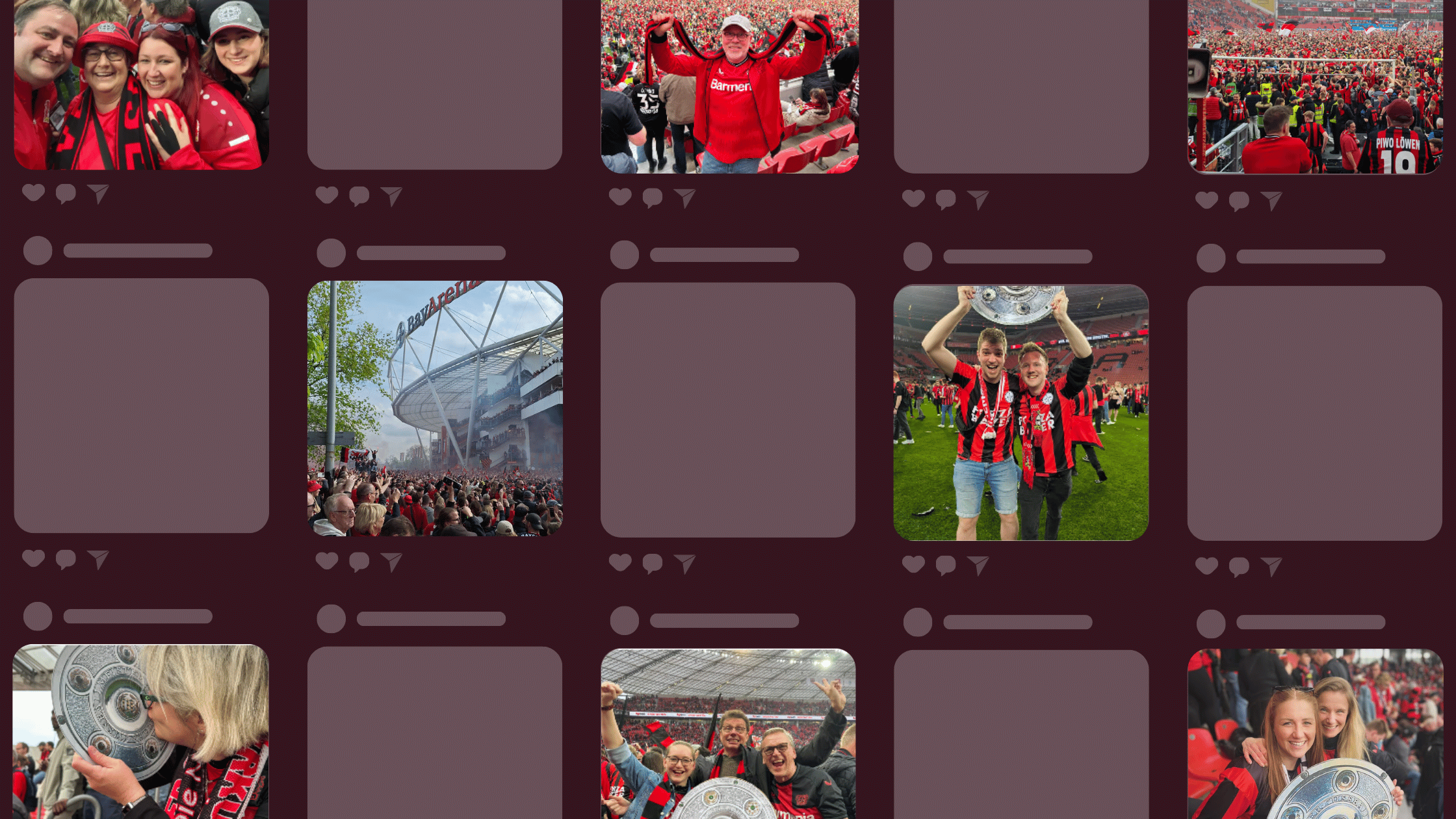
Universities are a good example of this; schools often show hashtag feeds on websites and digital displays during welcome days, graduations, and sporting events, giving students, parents, and faculty a live view of the community conversation as it happens.
For live events, showing a hashtag wall on a display screen builds community among attendees and promotes your event to those following along online. It also gives attendees a reason to post, knowing their content could appear on the main screen.
Build Social Proof and Increase Sales
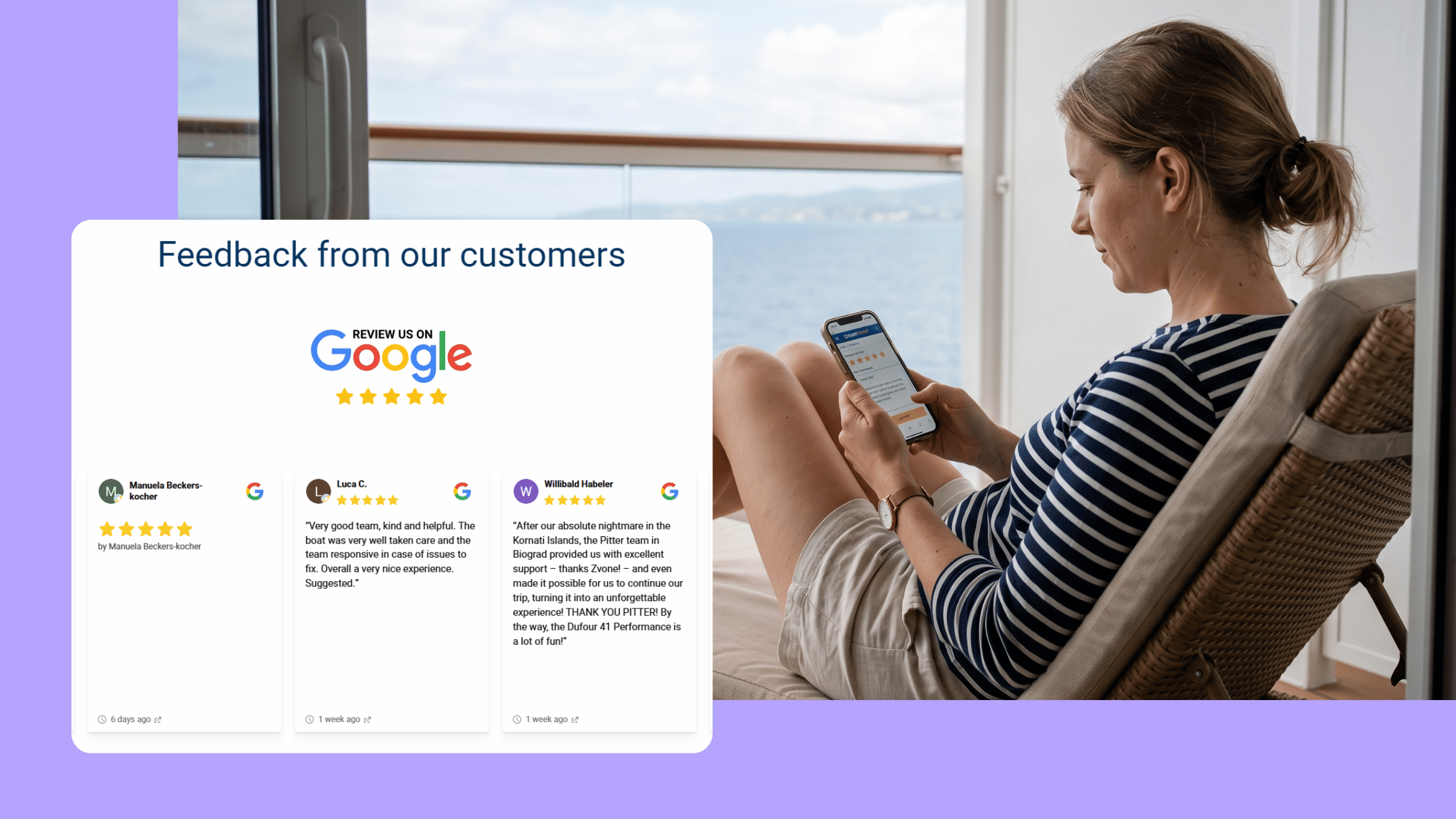
X is one of the largest sources of user-generated content on the internet. Customer mentions, product discussions, and reviews shared on X carry real credibility, and displaying them on your website puts that social proof exactly where it matters, on the pages where people are deciding whether to buy.
Embedding a live X feed alongside other social channels on product and category pages gives visitors confidence through real customer voices rather than brand messaging. For webshops, you can take this a step further by tagging products within your social feeds to create shoppable UGC galleries that let customers go straight from a post to the product.
How to Find the Best Twitter Feed Aggregator
Not all aggregators are built the same. Here's what to look for when choosing one:
Multiple layouts
Your aggregator should offer multiple display formats so the feed can fit different contexts across your site. An event screen needs something different from a homepage section or a product page sidebar. Look for tools that offer at least Social Wall, Grid, Carousel, and Slideshow options.
Unlimited sources
You should be able to pull from as many X accounts and hashtags as you need without hitting a cap. The ability to combine X content with other social channels, Instagram, TikTok, LinkedIn, and YouTube, in one feed is a major benefit, since it means one tool covers your whole social strategy rather than separate widgets for each platform.
Advanced moderation
Basic moderation (reviewing posts before they go live) is a given. Look for tools that go further, with AI-powered content filtering, keyword blocklists, and username blocking. For hashtag campaigns in particular, where anyone can post with your tag, strong moderation is not optional. Flockler offers Garde AI moderation, which automatically filters out inappropriate or off-brand content before it reaches your site.
Customization at no extra cost
Some tools restrict design customization to higher-tier plans. Look for an aggregator that lets you match colors, fonts, and layouts to your brand without paying a premium.
Analytics
Understanding which posts perform best and how visitors engage with your feed helps you make better content decisions over time and demonstrates the value of your social activity.
Real-time updates
For live events and time-sensitive content, how fast the feed updates matters. Check the update frequency for each plan before committing.
3 of the Best Twitter Feed Aggregator Tools
1. Flockler

Flockler is an all-in-one social media aggregator that lets you display X feeds alongside content from Instagram, TikTok, LinkedIn, YouTube, Facebook, Bluesky, Pinterest, and more, all in a single display. It's built for marketing and communications teams who need a reliable, flexible tool that works across websites, apps, digital screens, and events without needing a developer.
What makes Flockler stand out:
- Aggregate X posts from any public account or hashtag without needing to be an admin
- Four layout options: Social Wall, Grid, Carousel, and Slideshow, all fully customizable
- Garde AI moderation automatically filters content across 14 safety categories
- Create unlimited feeds and displays across unlimited websites on one license
- Combine X with 15+ other platforms in a single feed
- UGC rights management lets you request permission from content creators at scale
- GDPR compliant, WCAG 2.1 Level AA accessible, SOC 2® Type I certified

How to set up an X feed with Flockler:
- Sign up for a free 14-day trial and select X as your social media channel
- Connect your X account and choose the accounts or hashtags you want to aggregate
- Moderate content if needed, then choose a layout and customize it to your brand
- Copy the embed code and paste it onto any website, app, or digital screen
2. Taggbox

Taggbox is a social media aggregator primarily aimed at event marketers. It supports X alongside other social platforms and offers moderation tools and real-time feed updates.
Pros:
- Supports 10+ social media platforms, including X
- Real-time content updates and moderation features
- Analytics to track the performance of aggregated posts
Cons:
- Personalized onboarding is not available on basic plans
- The basic plan limits sources to five and restricts custom themes
3. Tagembed
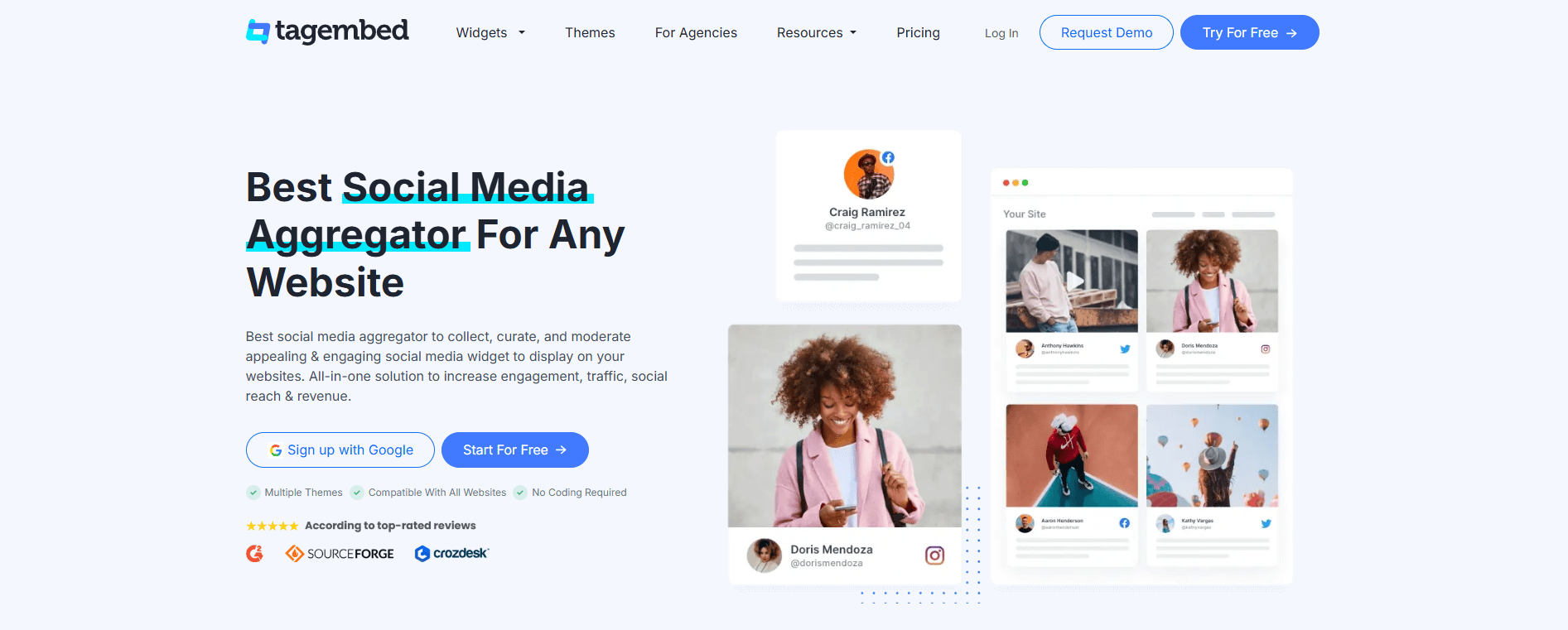
Tagembed is a social widget tool that includes a Twitter aggregator alongside support for 20+ platforms, including review sites like Tripadvisor. As an alternative to Tagembed Twitter aggregator, Flockler offers more flexibility for teams who need to combine multiple social channels, moderate content with AI, and embed across unlimited pages. Tagembed's paid plans are required for access to Twitter and LinkedIn, and feeds do not update in real time, even on higher tiers.
Pros:
- Supports 20+ platforms, including review aggregation from TripAdvisor and Aliexpress
- Advanced customization options, including 20+ font choices
Cons:
- Twitter and LinkedIn widgets are locked behind paid plans starting at $29/month
- Feeds do not update in real time; even the most expensive plan has a 15-minute delay, which limits their usefulness for live events
FAQs
What is the difference between a Twitter aggregator and the native X embed?
X's native embed tool lets you display a single timeline or individual post using a fixed-width widget. It has no moderation, no multi-source support, and limited design flexibility. A Twitter feed aggregator like Flockler, pulls from multiple accounts and hashtags, lets you moderate content, combines X with other social channels, and gives you full control over the design and layout.
Can I show X feeds alongside Instagram and TikTok on a single display?
Yes, with Flockler, you can combine content from X, Instagram, TikTok, LinkedIn, YouTube, Facebook, Bluesky, Pinterest, and more in a single display. See the full list of supported platforms.
Does Flockler store X hashtag content beyond X's seven-day limit?
Yes. Once your Flockler feed is set up, all posts that match your source settings are stored in your account. X limits public hashtag history to seven days, but Flockler retains everything it collects from the moment you connect, so no historical content is lost.
Do I need to be an admin of the X account I want to display?
No. With Flockler, you can aggregate posts from any public X account or hashtag as long as you have an X account of your own to connect with. You don't need admin access to the accounts you want to display.
Can I use a Twitter feed aggregator for live events?
Yes, and it's one of the most common use cases. Displaying a live hashtag wall on event screens encourages attendees to post with your branded hashtag, builds community among participants, and keeps the energy going throughout the event. Flockler's Slideshow layout is particularly well-suited to event screens and digital signage.
A true growth operator with extensive experience across crowdsourcing, affiliate programs, and social media aggregation. Brooke is the CEO if Flockler and cofounder of the marketing agency Northweather and has worked with global brands including LEGO. With international experience spanning SaaS, marketing, and product, she brings sharp expertise in strategy, execution, and driving results through global cross-functional teams.
Une infrastructure sociale qui évolue avec vous.
Commencez votre essai gratuit ou laissez-nous vous montrer la plateforme en action.